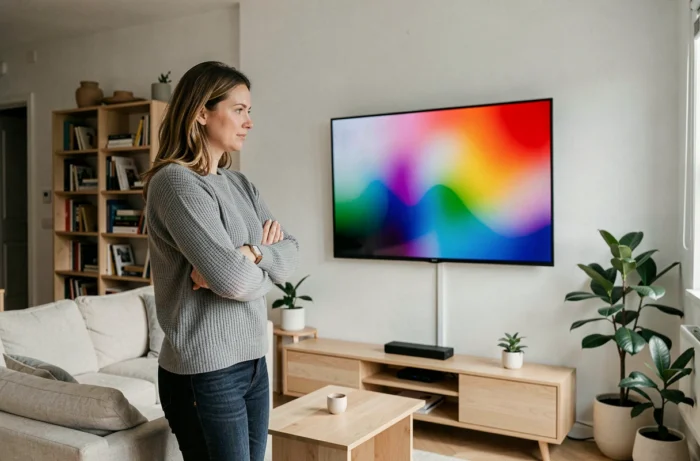
A TV that’s too large for a small living room can strain your eyes. One that’s too small for a sofa set far back makes subtitles hard to read. Choosing the right TV for your living room starts with a simple observation: the ideal screen size depends above all on the distance between the screen and the sofa, not on the size of the room.
Viewing distance and screen size: the first things to check
Have you ever noticed how a TV looks huge in a store, then seems to shrink once you get it home? This is a common effect caused by the size of showroom spaces. To avoid disappointment, measure the actual distance between your seat and the spot where you plan to place the screen.
With 4K resolution (the standard on the vast majority of models sold today), the recommended viewing distance is about 1.5 times the screen diagonal. In practical terms, if your sofa is two metres from the wall, a 50- to 55-inch screen will be a good fit. At three metres, you can go up to around 65 inches without discomfort.
Before relying on screen size alone, consider the TV’s actual dimensions. A 55-inch model is about 122 cm wide and 68 cm high, excluding the stand. Check that your TV unit or wall can accommodate these dimensions, including the stand and frame. A specialist comparison site such as dvtelevision.fr lets you filter models by these practical criteria.
One often-overlooked point is mounting height. The centre of the screen should be roughly at eye level when you’re seated. If it’s too high, it can cause neck strain during long viewing sessions.

Screen technology: LCD, OLED or QLED—which is right for you?
Product specifications are packed with technical terms. Three main types dominate the market, each suited to different needs.
LCD with LED backlighting
This is the most common technology. An LCD screen uses liquid crystals illuminated by LEDs placed behind or along the edges of the panel. LCD is well suited to bright rooms because it delivers high brightness. Models described as “Full LED” (with LEDs spread across the entire screen) offer better contrast than “Edge LED” models (with LEDs along the edges), but cost more.
Some LCD TVs include “quantum dots” (often marketed as QLED by Samsung). This layer of nanocrystals expands the range of colours displayed. The result is more saturated reds and greens, especially noticeable in HDR content.
OLED
Every pixel on an OLED screen produces its own light. When a pixel switches off, it is completely black. This delivers near-infinite contrast and true blacks, making OLED particularly popular for watching films in a dark room.
OLED remains a premium option. If your living room gets plenty of natural light for much of the day, a bright LCD may be more comfortable than an OLED, which generally has a lower peak brightness.
4K or 8K resolution: what really makes a difference day to day?
Almost all TVs larger than 40 inches sold today have 4K (UHD) resolution. It’s a solid standard for streaming, high-definition digital terrestrial TV and recent gaming consoles.
8K offers no visible improvement at a normal viewing distance. Native 8K content is still scarce: there are no channels, very few films and only a handful of technical demos. At the same price, a better-quality 4K TV—with better contrast and motion processing—will be more satisfying than an entry-level 8K model.
Connections and features to check based on how you watch
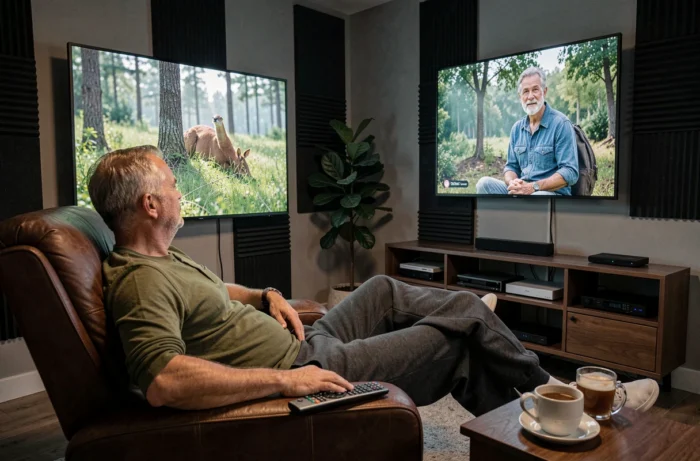
A TV’s specifications aren’t just about the panel. Your viewing habits determine which connections and features you shouldn’t overlook.
- For gaming, check for at least one HDMI 2.1 port, which supports 4K at 120 frames per second and VRR (variable refresh rate). Without this port, a recent console won’t be able to reach its full potential
- For home cinema, a TV compatible with Dolby Vision and Dolby Atmos (or with an eARC audio output) can send high-quality audio to a soundbar or receiver without data loss
- For everyday TV viewing, the built-in Smart TV system matters: check that the streaming apps you use (catch-up TV services and video-on-demand platforms) are available natively, without an external device
- For households that receive digital terrestrial TV via an aerial, check that the tuner is compatible with the frequencies currently being allocated. Arcom has begun renewing several digital terrestrial TV frequencies, which may change the channels available on different TVs
One last often-overlooked point: the total number of HDMI ports. With a console, a TV box and a soundbar, three HDMI ports are the minimum. Four give you more flexibility.
TV budget: where to draw the line
Rather than buying a large entry-level screen, a slightly smaller mid-range model will deliver a better picture. A 50-inch TV with good contrast processing and a quality panel will outperform a budget 65-inch model with greyish blacks and jerky motion.
Prices vary widely, from affordable models costing a few hundred euros to premium OLED sets that cost several thousand euros. The price gap between LCD and OLED is narrowing year by year, but remains significant for larger screens.
Before you buy, consider durability too. European discussions around screen repairability and the length of software support are gaining momentum. A TV whose manufacturer guarantees several years of Smart TV system updates will remain useful for longer than a model that is abandoned after two years.
Choosing a TV ultimately comes down to three practical decisions: your actual viewing distance determines the screen size, the lighting in your living room guides your choice of panel technology, and the devices you connect determine which ports you need. Start with these three factors before looking at prices, and the options will naturally narrow down.